Edit Content
Click on the Edit Content button to edit/add the content.

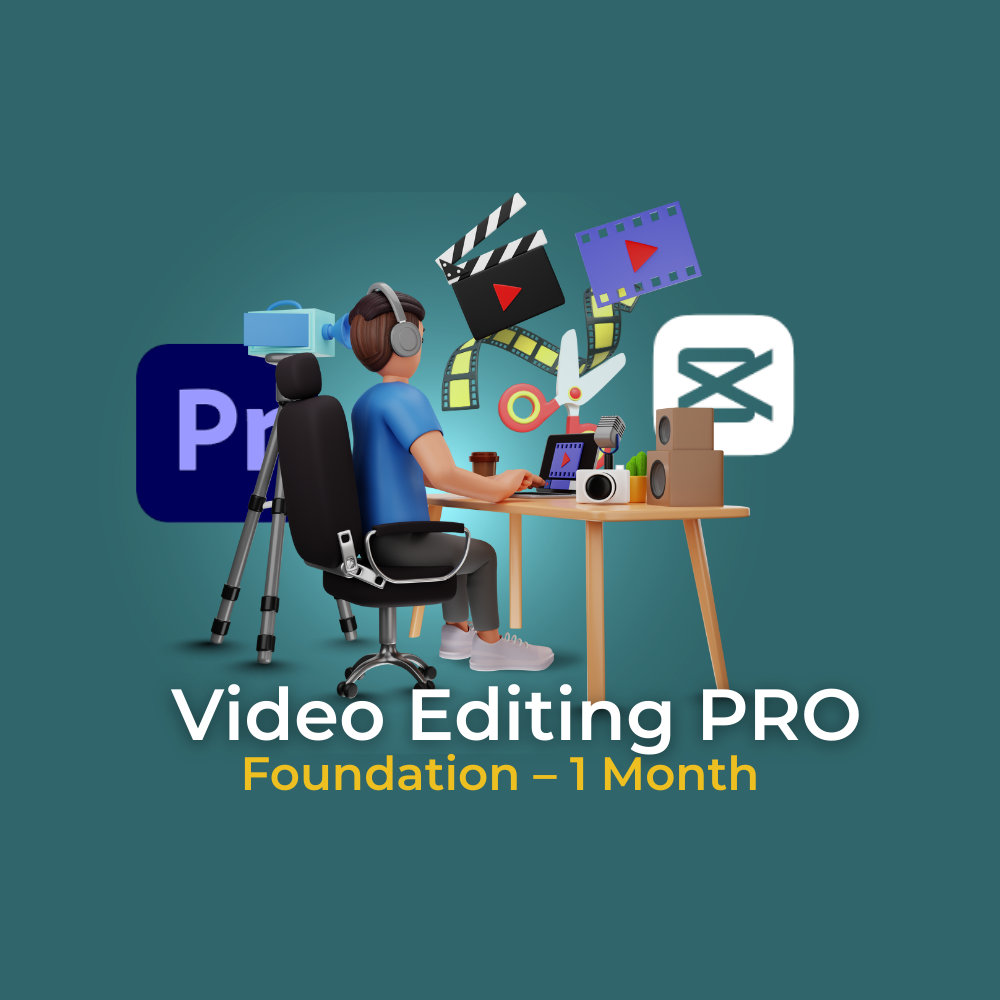
Video Editing PRO (Foundation – 1 Month)

$0.00

Course Duration & Schedule:
1 Month (8 Classes) – 2 Classes per Week (Saturday & Sunday)

Course Overview:
This beginner-friendly course is designed for students who want to start their journey in video editing. Using Premiere Pro and CapCut, students will learn how to create polished edits for YouTube, TikTok, Instagram Reels, and professional projects. By the end of this course, students will be able to cut, edit, and export high-quality videos with confidence.

Detailed Curriculum: Module 1: Getting Started with Video Editing
  • Introduction to video formats, resolutions, frame rates
  • Setting up projects in Premiere Pro & CapCut
  • Basic editing workflow: cutting, trimming, transitions
Module 2: Enhancing Videos
  • Adding text, captions, and titles
  • Music, sound effects, and background audio
  • Creative transitions with CapCut & Premiere Pro basics
Module 3: Social Media Ready Content
  • Editing short-form content for TikTok & Instagram
  • Templates and quick edits in CapCut
  • Export settings for different platforms
Mini Projects:
  • Edit a short vlog using Premiere Pro
  • Create a TikTok/Reel edit in CapCut
Final Project: Produce a 2–3 minute cinematic video (travel, vlog, or promotional theme) combining Premiere Pro and CapCut elements. Outcomes & Career Opportunities: After completing Video Editing PRO, students will:
  • Confidently edit videos using Premiere Pro and CapCut.
  • Create professional short-form content for TikTok, Instagram Reels, and YouTube Shorts.
  • Build a starter portfolio with vlogs and social media edits.
Be ready to start as a:
  • Freelance Basic Video Editor
  • Social Media Content Creator
  • Entry-level editor for YouTube channels or local businesses
  • Gain a strong foundation to move into PRO MAX for advanced tools and cinematic editing.